
zappzy Support Center > Content > Media Library > GIFs: Find the right GIFs to add expression and boost engagement in your posts

Video or step-by-step guide with screenshots. Your choice. Do it your way.
Step-by-step guide
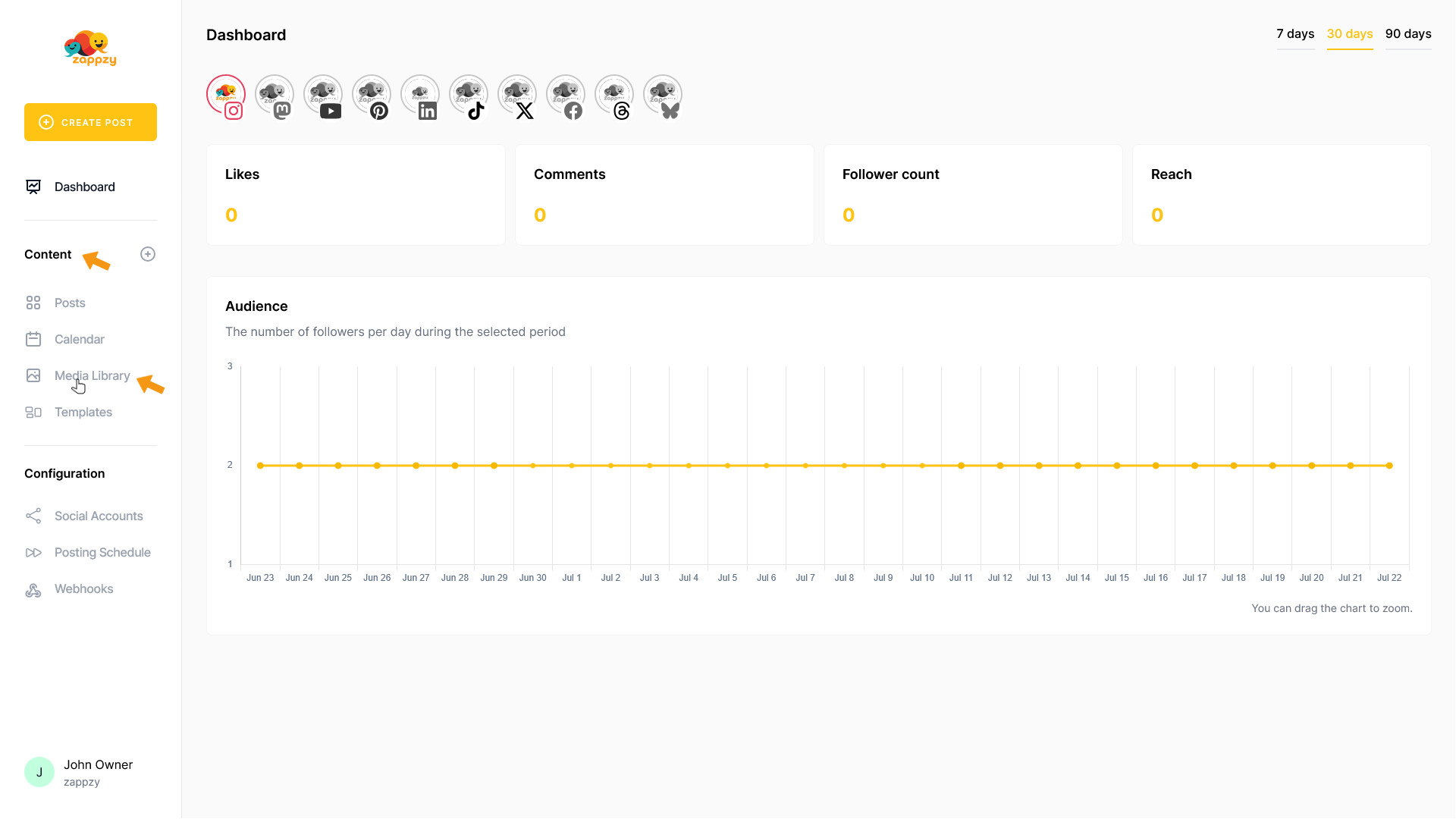
Once you're logged in to zappzy, you'll see the Content section. Click on Media Library below.
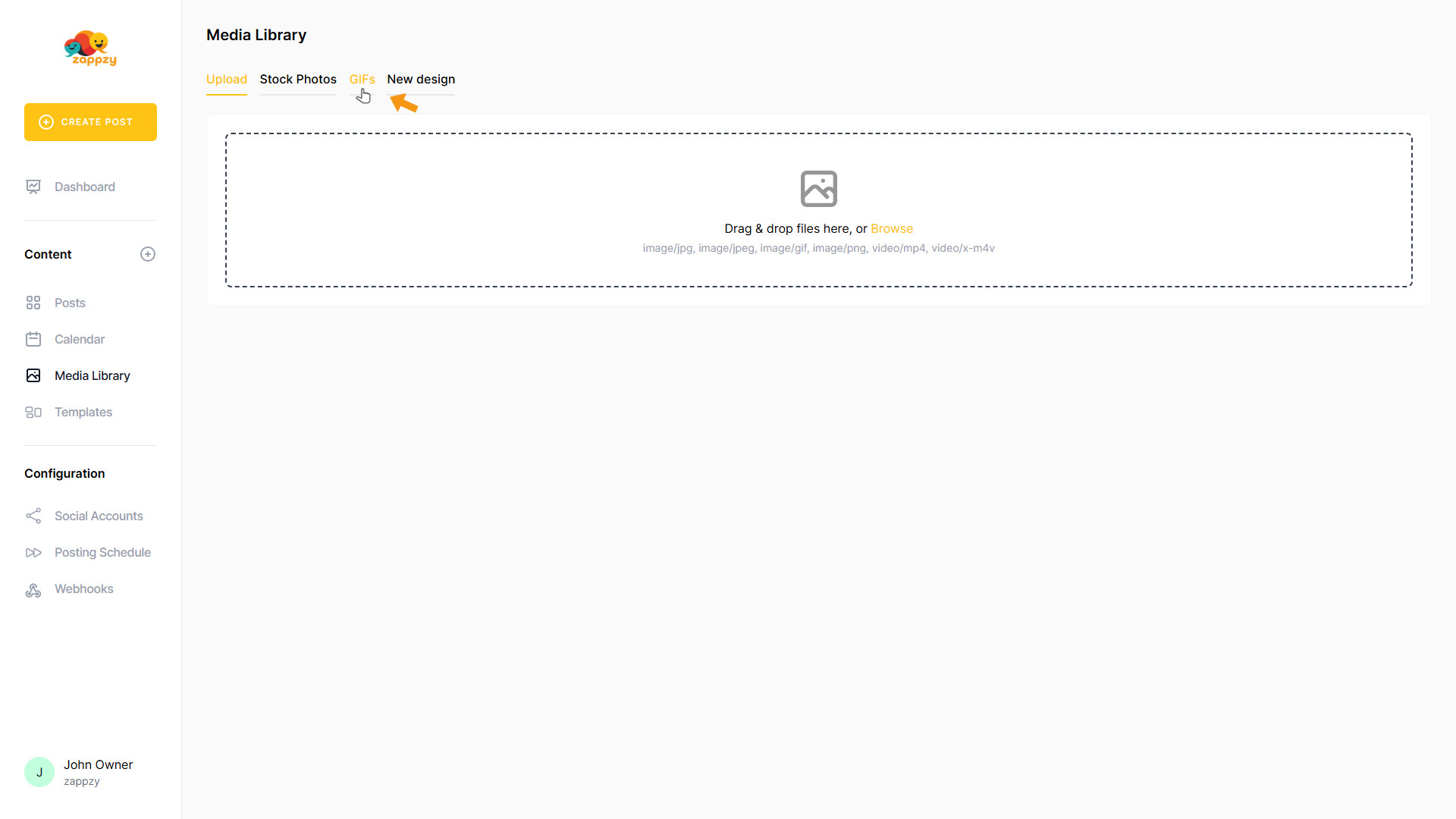
The Media Library overview will appear on your main screen.
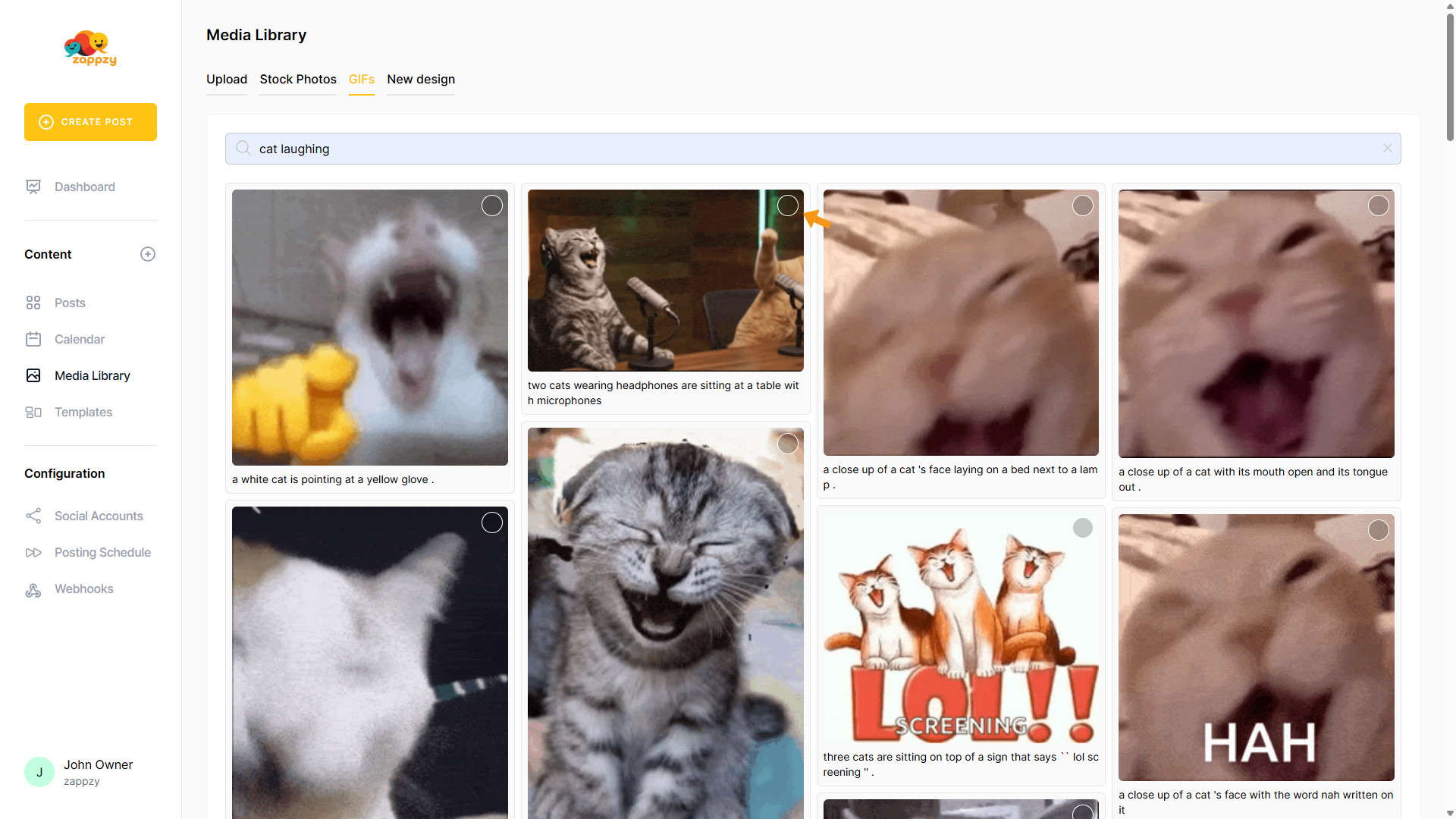
On the main screen, click GIFs to find free GIFs and memes.
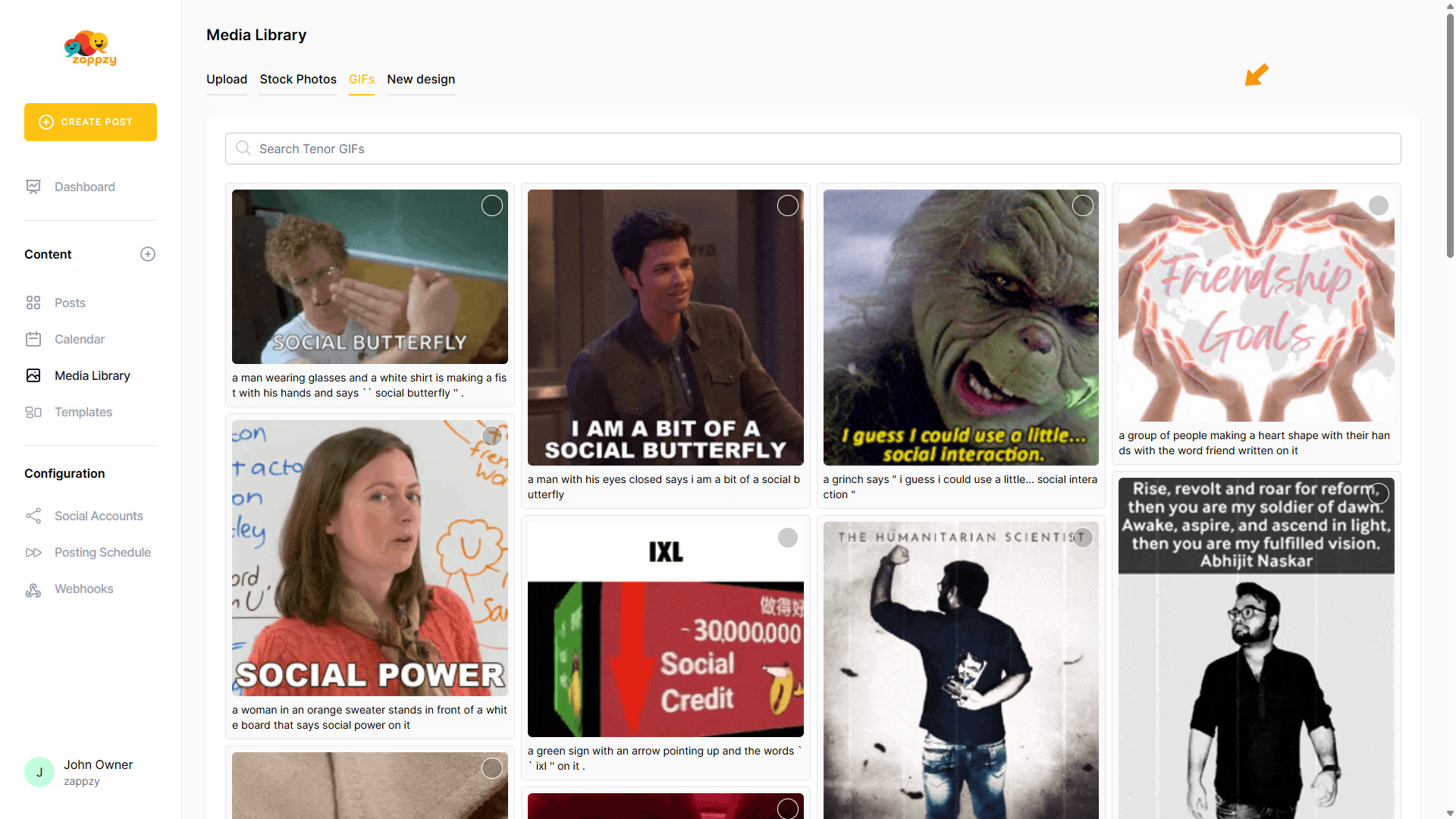
On the main screen, you’ll see a search field and a rotating selection of top GIFs and memes that refreshes each time.
To find the perfect GIFs and memes for your posts, type one or two highly relevant keywords into the search bar. The more specific you are, the better the suggested GIFs and memes.
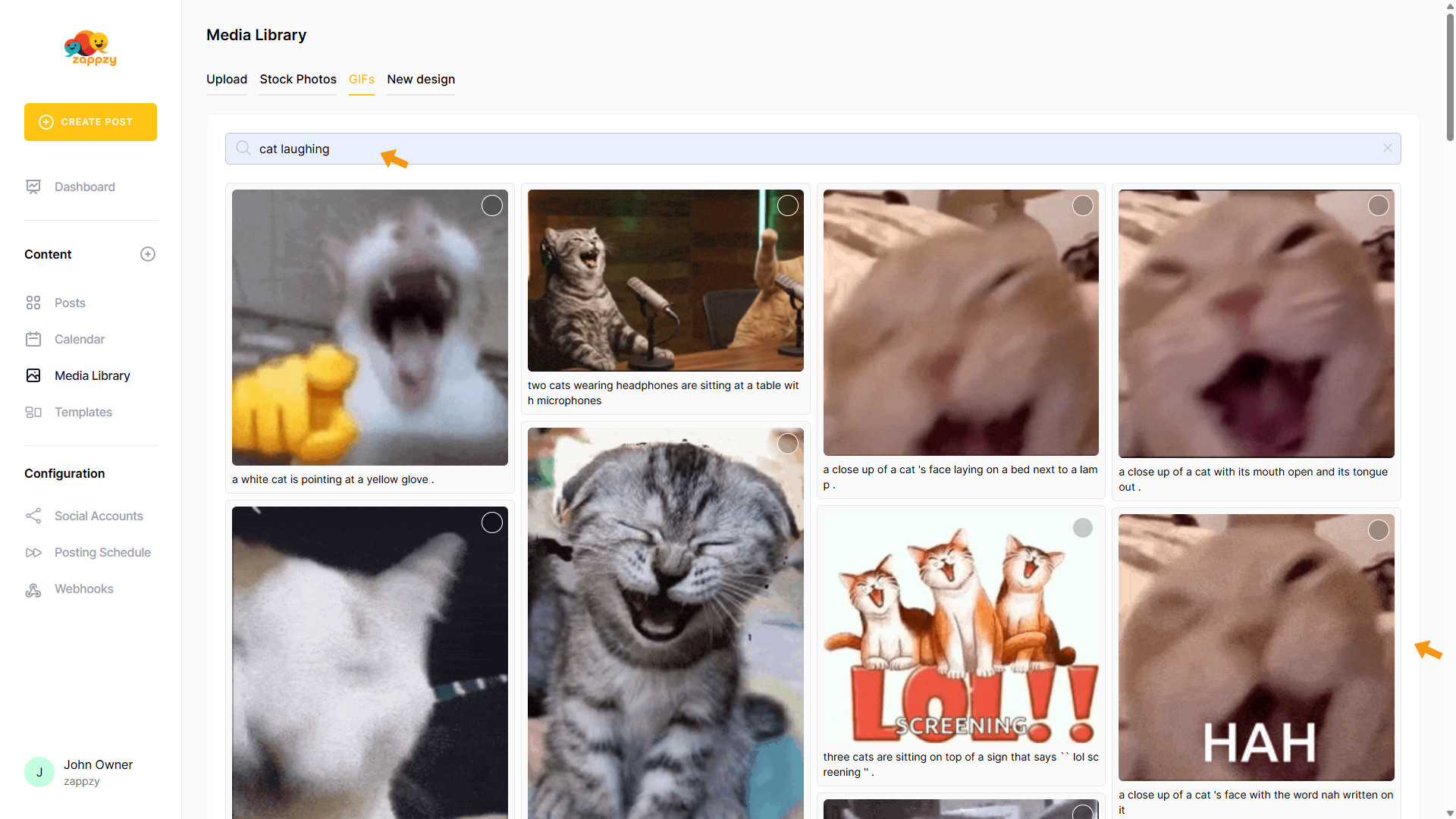
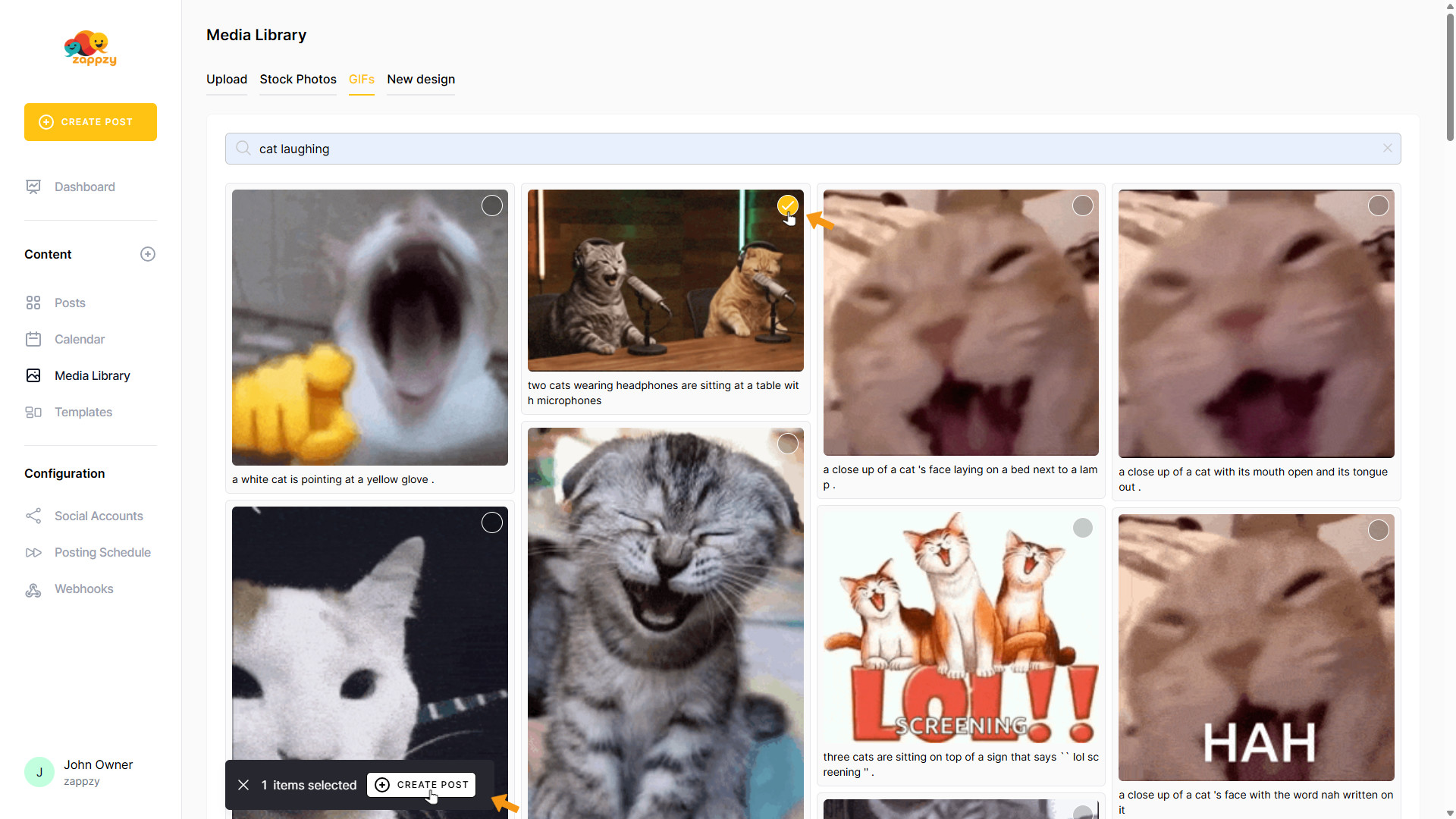
To select a GIF, click the circle on the GIF you want to use.
A pop-up will appear below. You can now create a post directly with this GIF. Click CREATE POST.
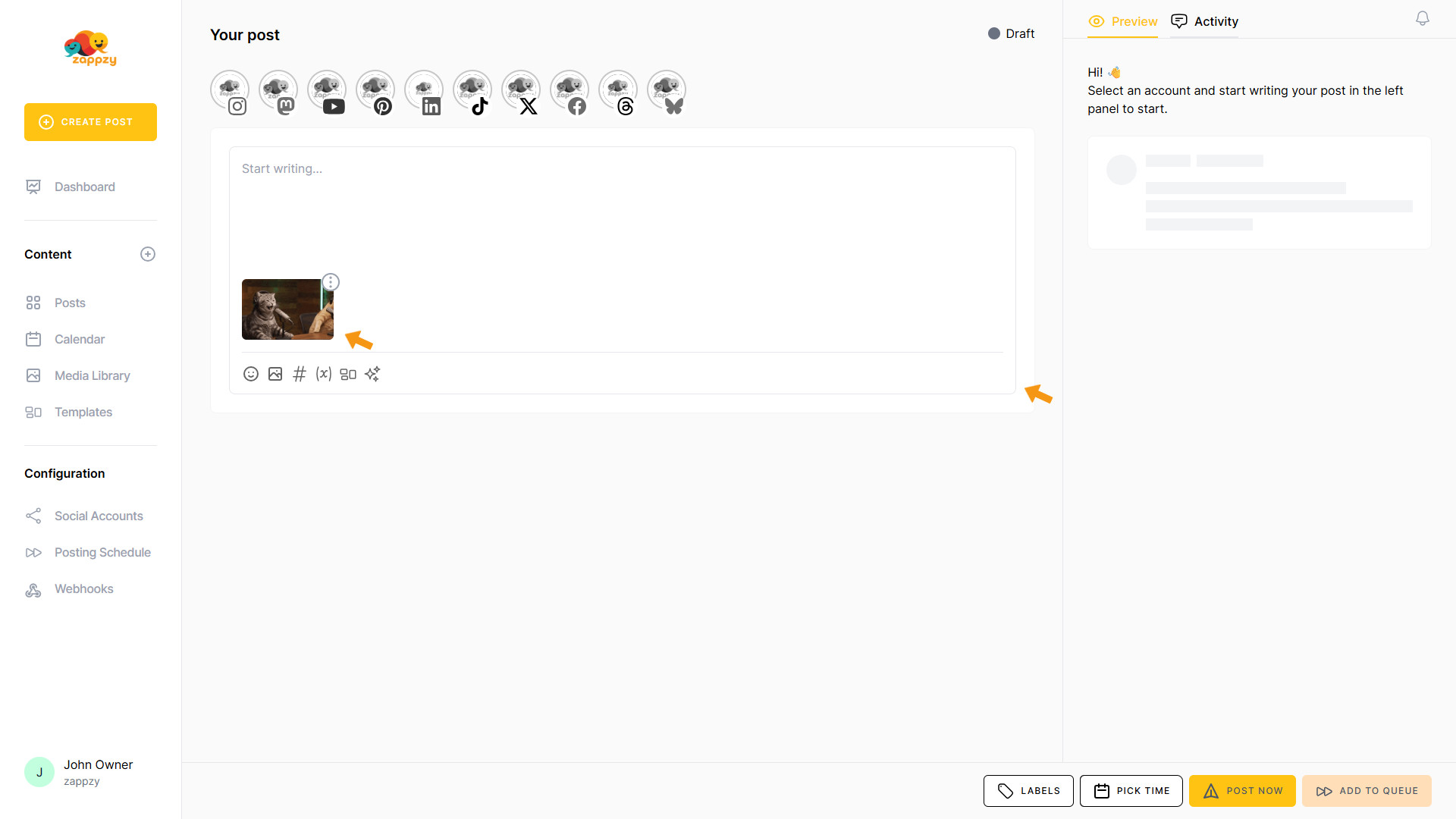
A blank post is created with your GIF automatically added. You can now create your post without worrying about the GIF.
For step-by-step guidance on creating a post, see the Create Posts articles.
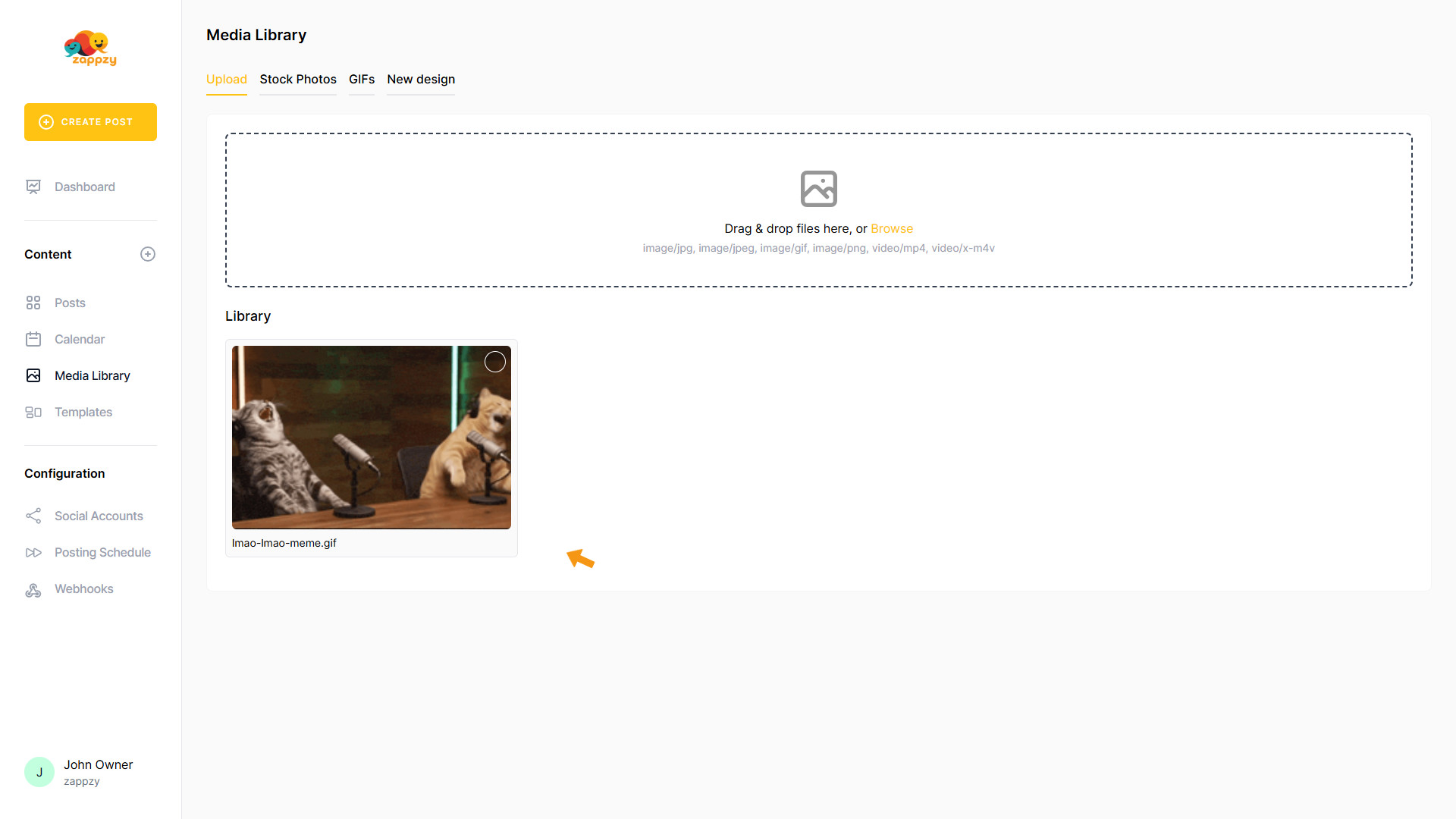
When you return to the Media Library (Upload), you’ll see your selected GIF saved there. You can reuse it anytime—for another post on a different social platform or for a future post.
If you no longer need the GIF, you can delete it from your Media Library (Upload). For step-by-step instructions on how to delete a GIF, see the article Upload: Bring in your own images and videos—reuse them across your posts.