
zappzy Support Center > Content > Dashboard: Track performance, followers, and engagement across all platforms

Video or step-by-step guide with screenshots. Your choice. We made both simple.
Step-by-step guide
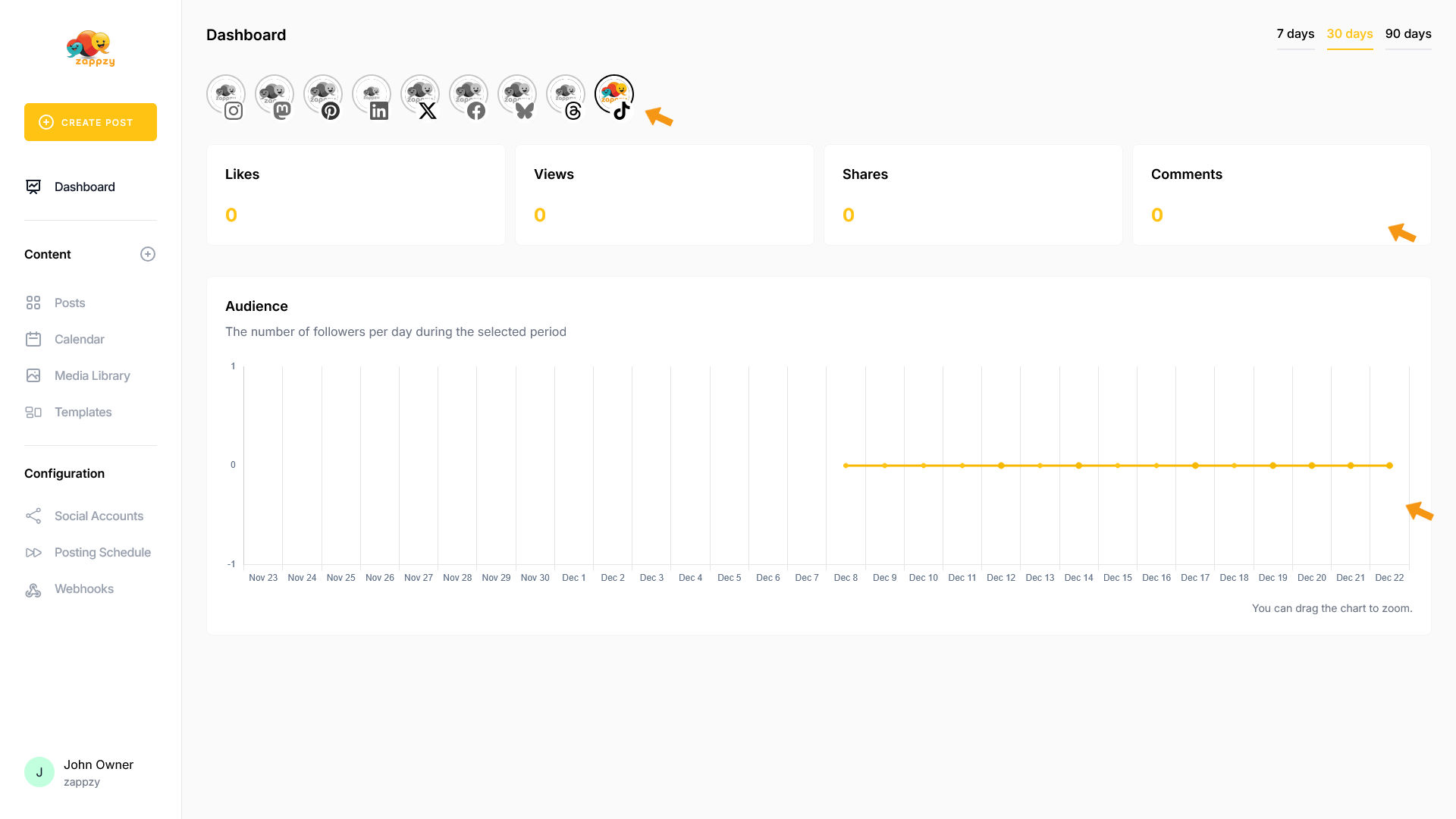
The Dashboard shows your social media performance at a glance—followers, likes, comments, and other key metrics from your connected platforms.
Once you're logged in to zappzy, you'll always see the Dashboard with your first social media platform. If you're somewhere else in zappzy, just click Dashboard in the left menu.
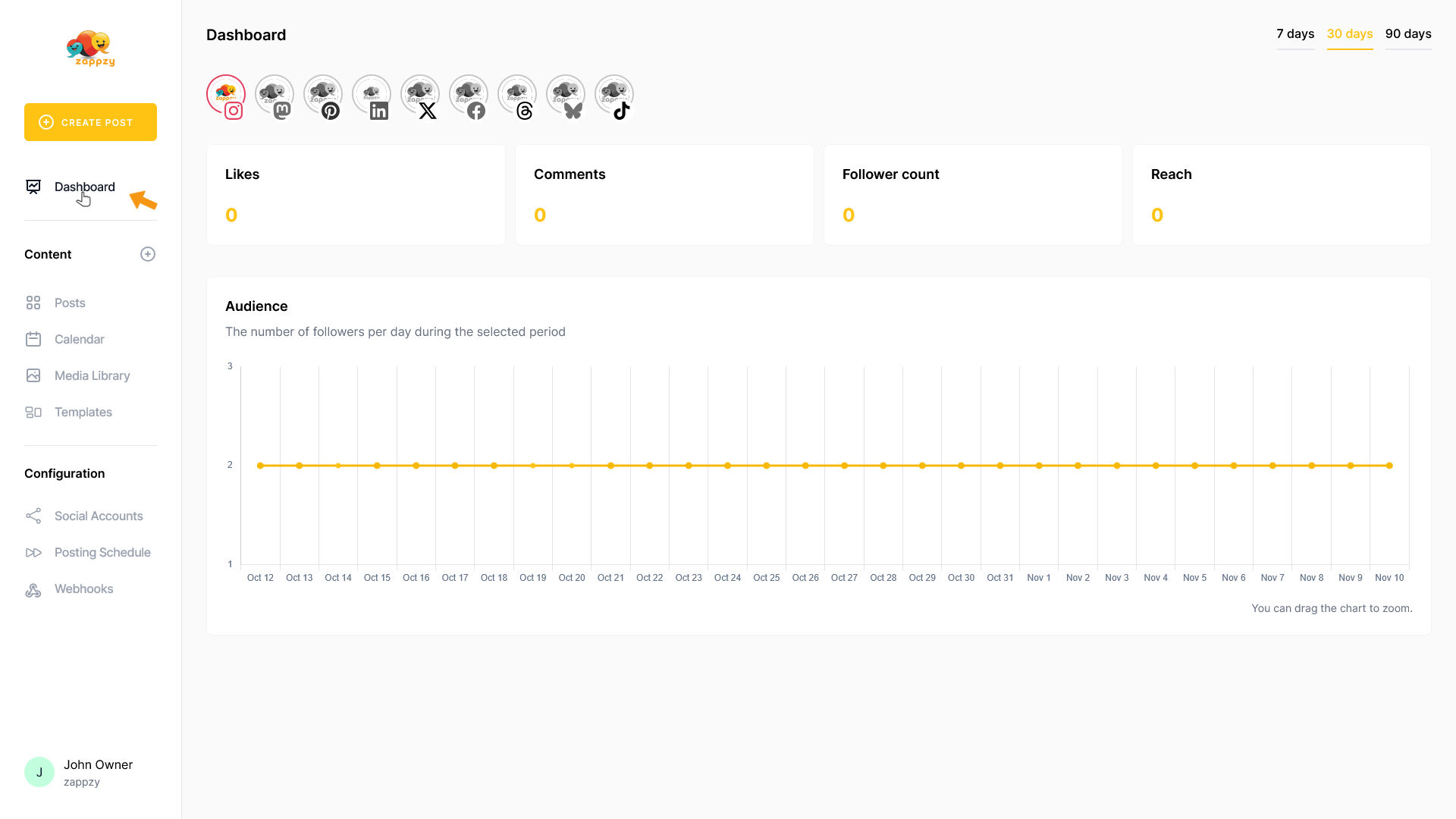
The Dashboard will appear on your main screen.
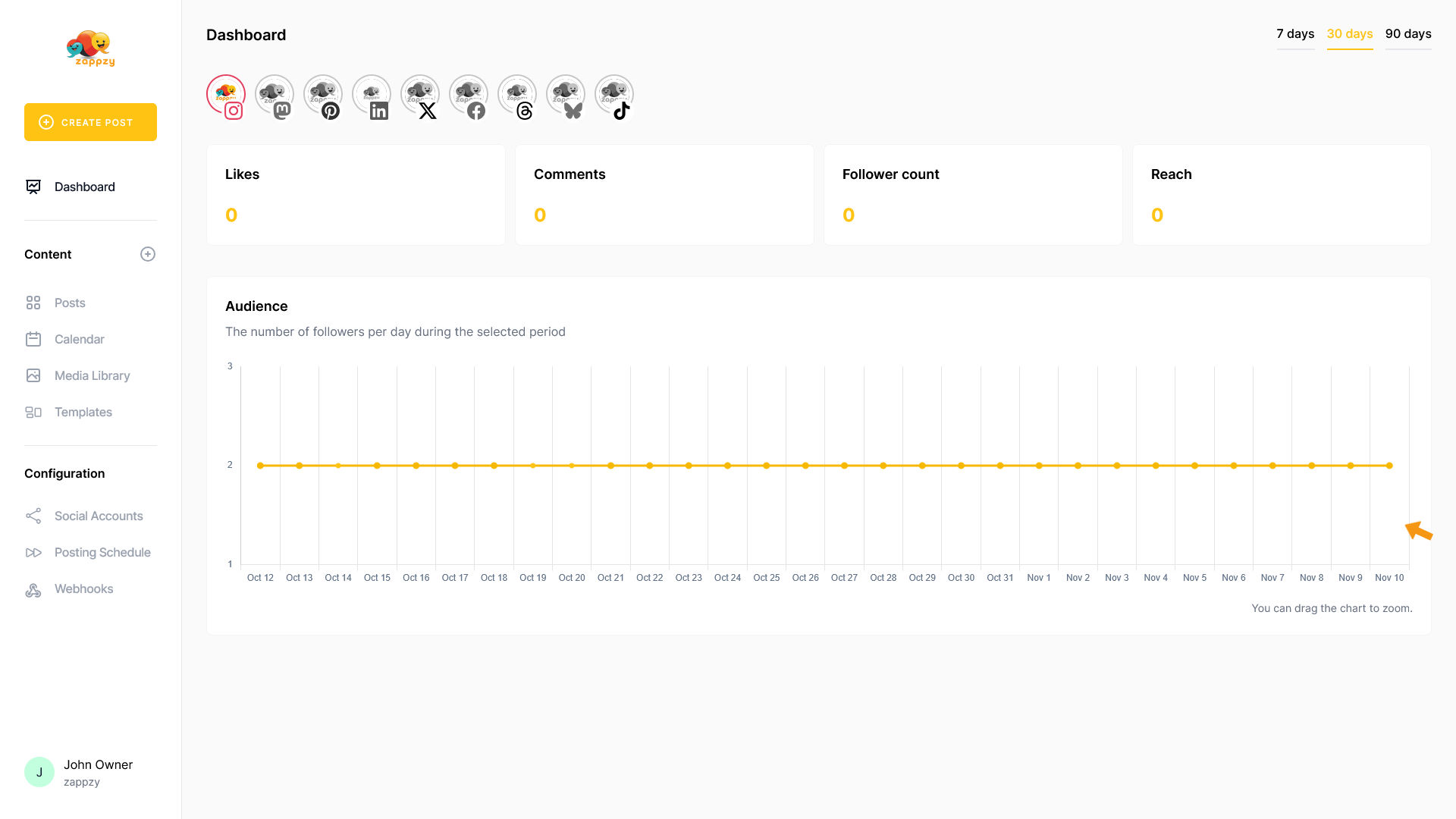
At the top, you'll see your connected social media platforms.
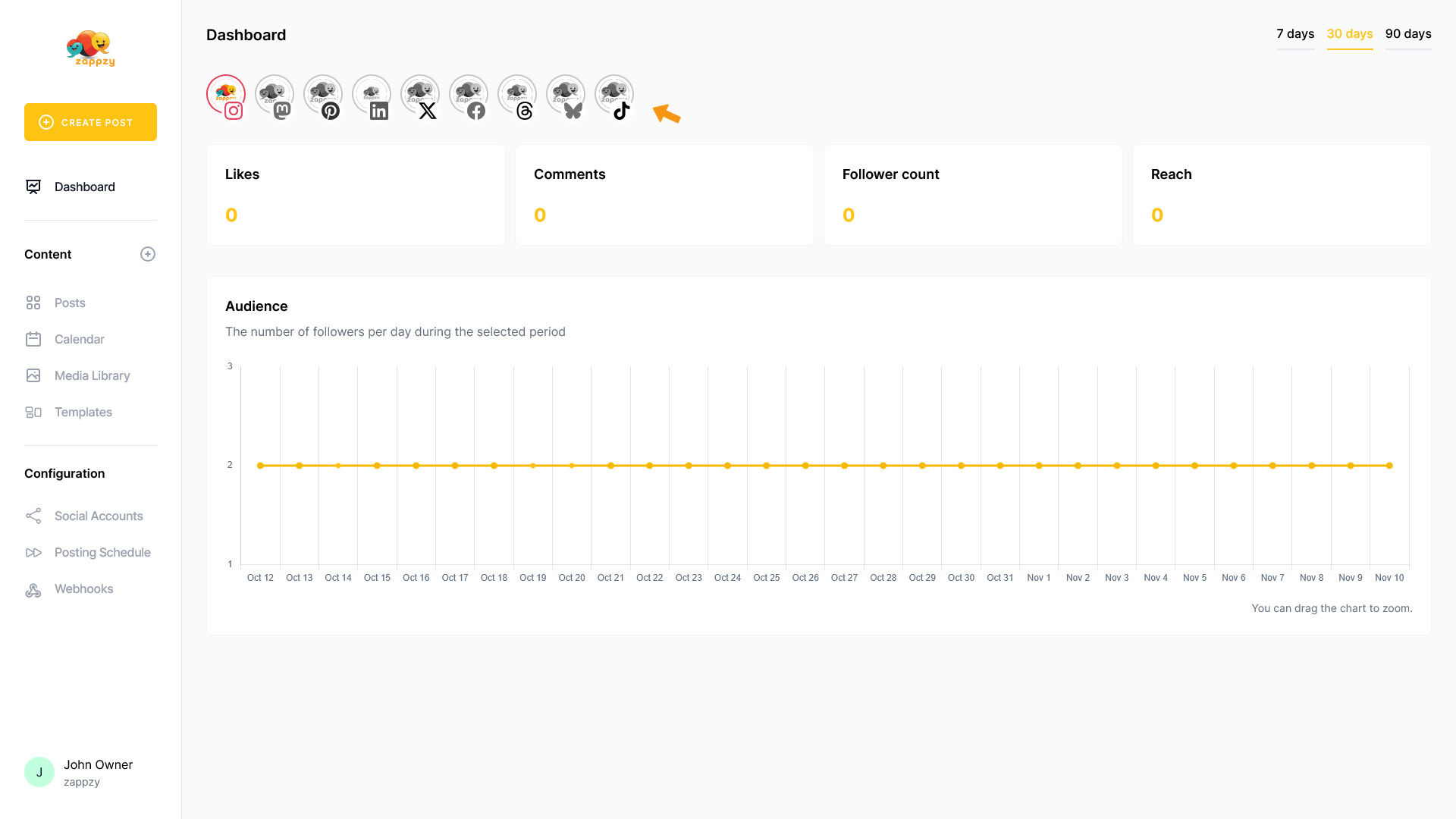
Choose which platform's metrics you want to see.
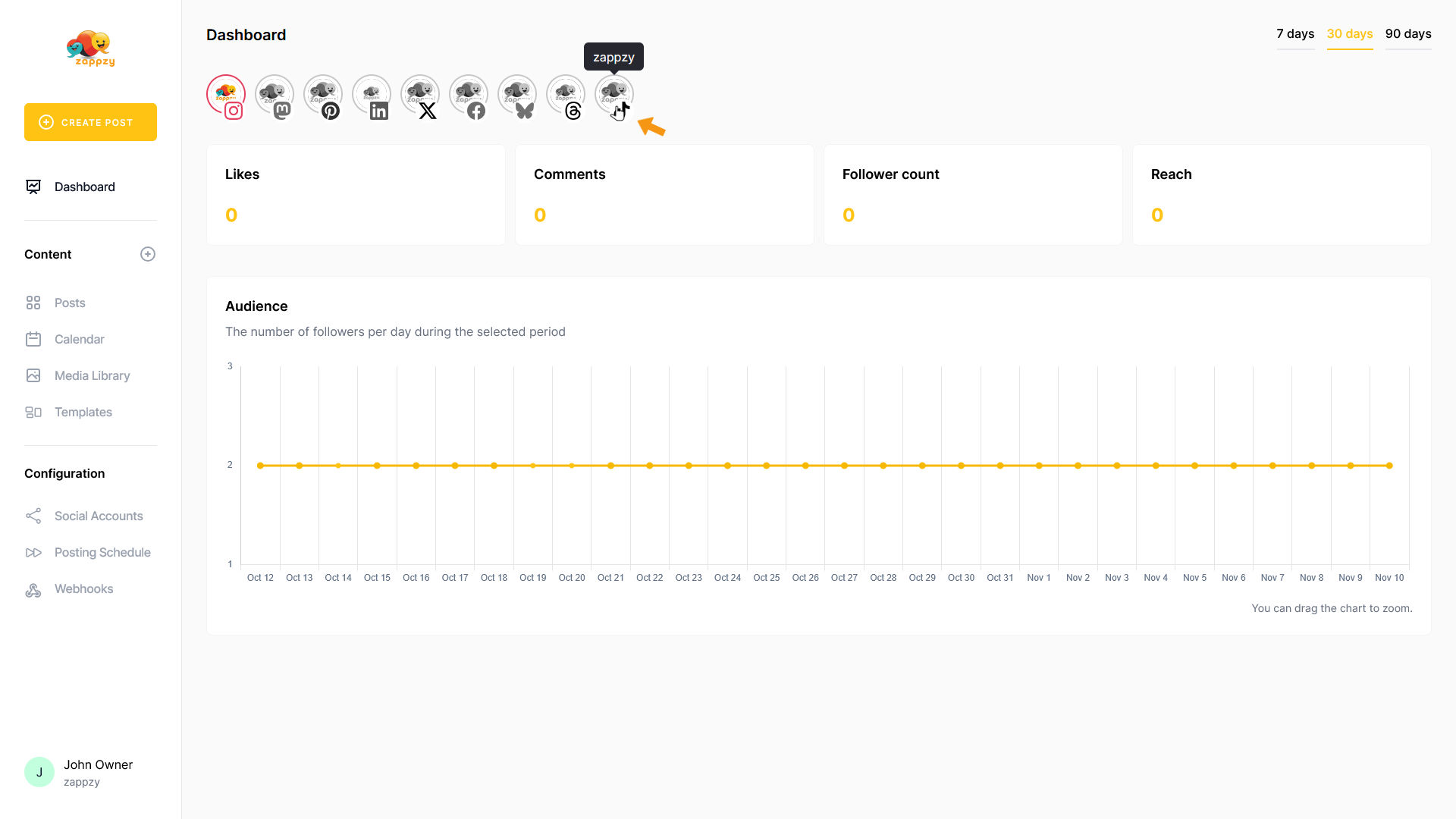
The platform's key metrics appear below. These metrics vary from platform to platform.
Note: We created this guide using demo accounts with no followers or activity. That's why all metrics are at zero in our examples.
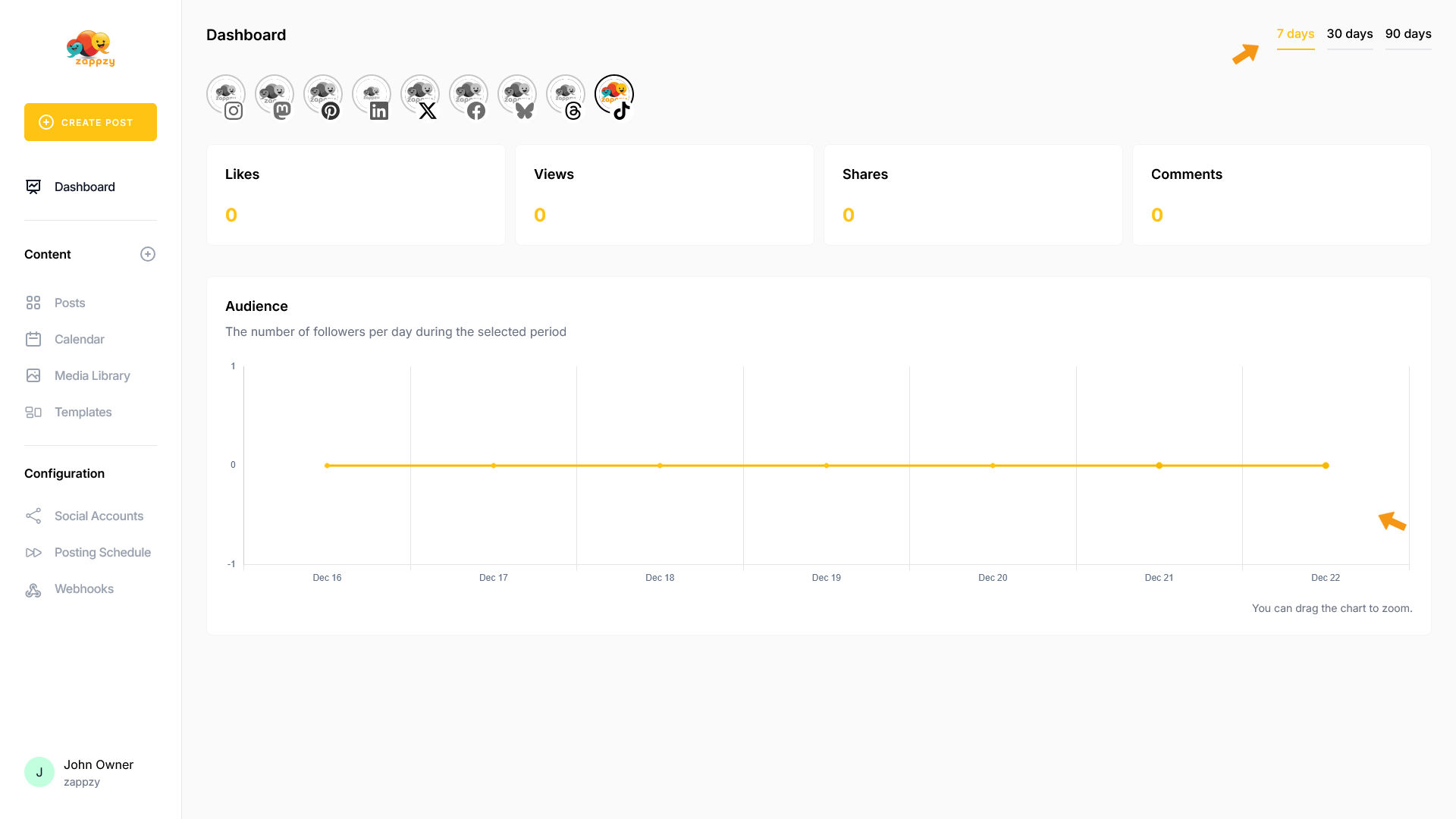
In the top right, you can adjust the time frame to 7, 30, or 90 days—just click the number you want.
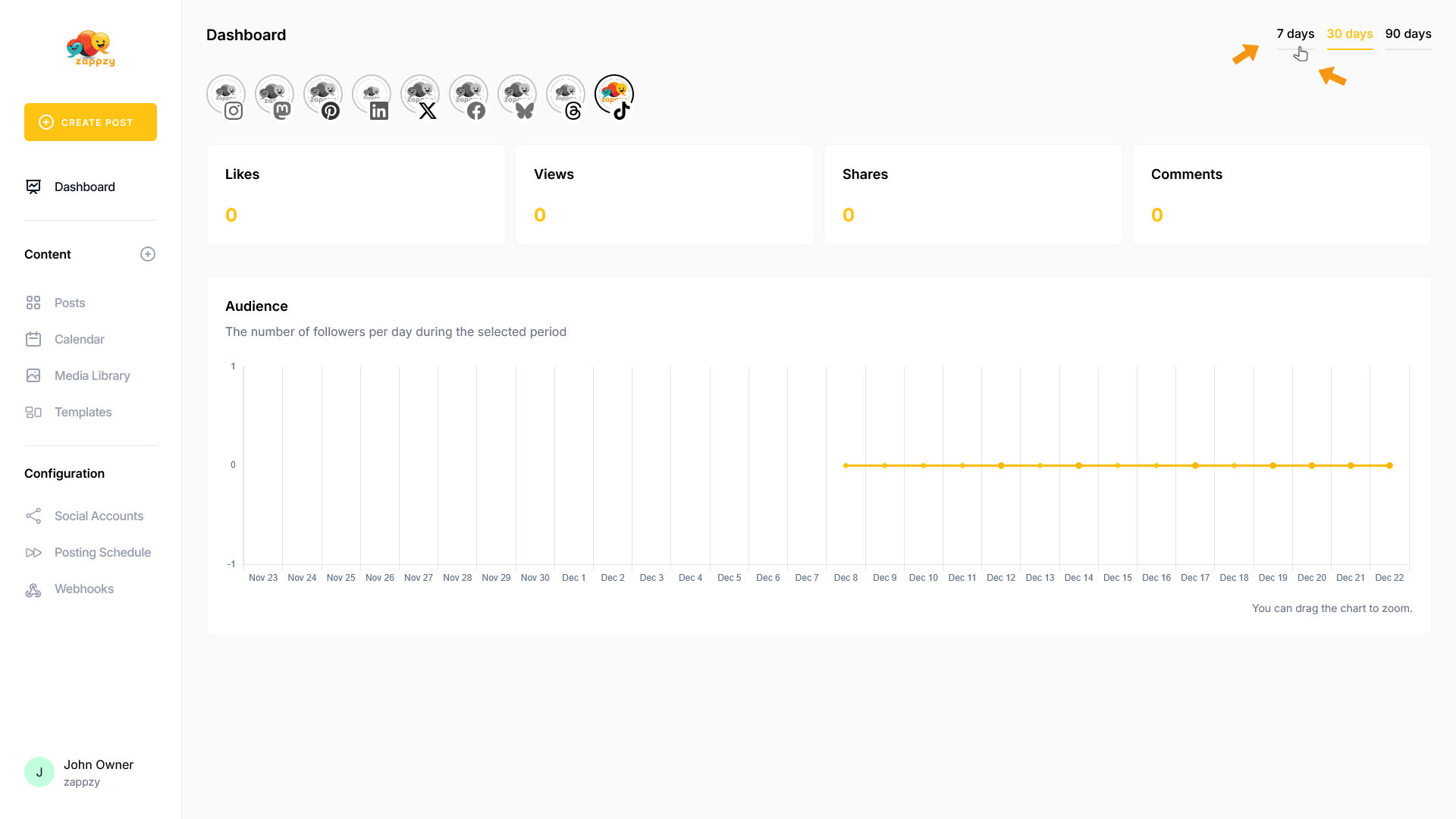
Your metrics update to reflect the selected time frame.
Important: We're currently working on expanded Dashboard features with more detailed metrics. Check our roadmap for details.