zappzy Support Center > Content > Create posts > Create a post > Add ALT text to images

Video or step-by-step guide with screenshots. Your choice. We made both simple.
Step-by-step guide
ALT text describes your image for people who can't see it — whether they're using screen readers or your image fails to load — and helps search engines understand your content.
ALT text is only available for Facebook, Instagram, Threads, X, Mastodon, Pinterest, Bluesky, and LinkedIn.
Adding ALT text works the same way across all supported platforms:
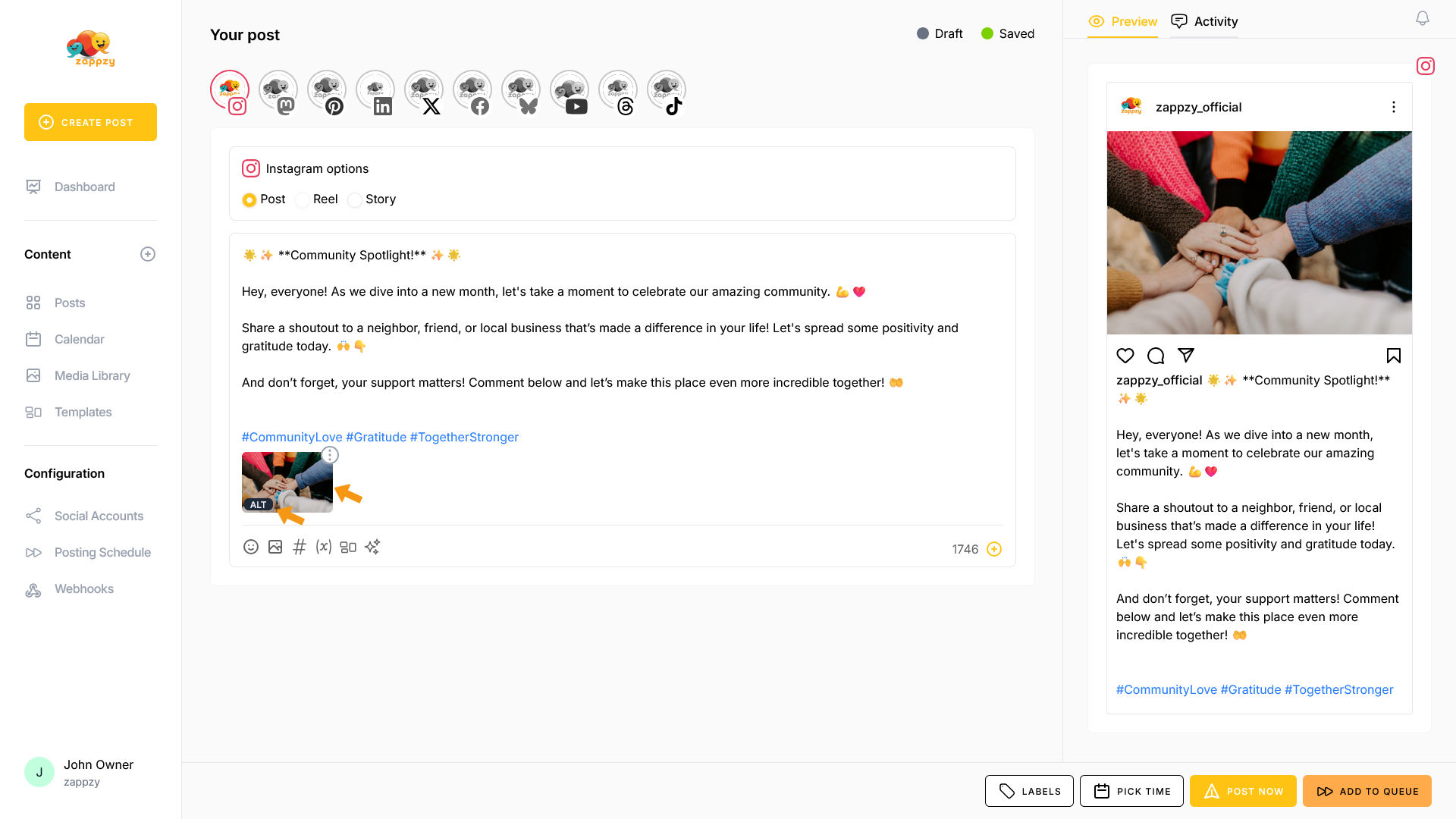
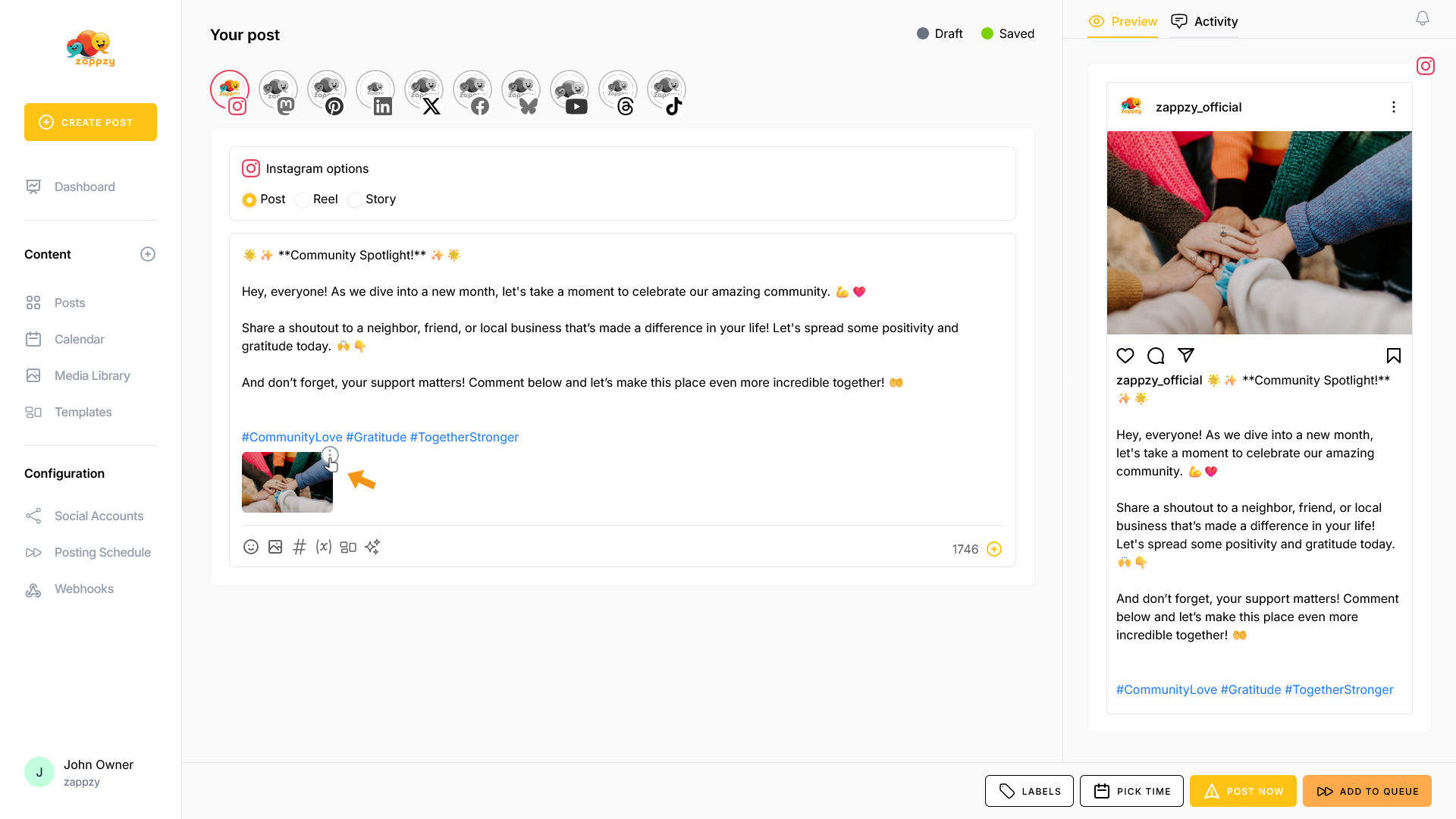
After adding an image, you'll see three vertical dots in a circle on the media. Click on it.
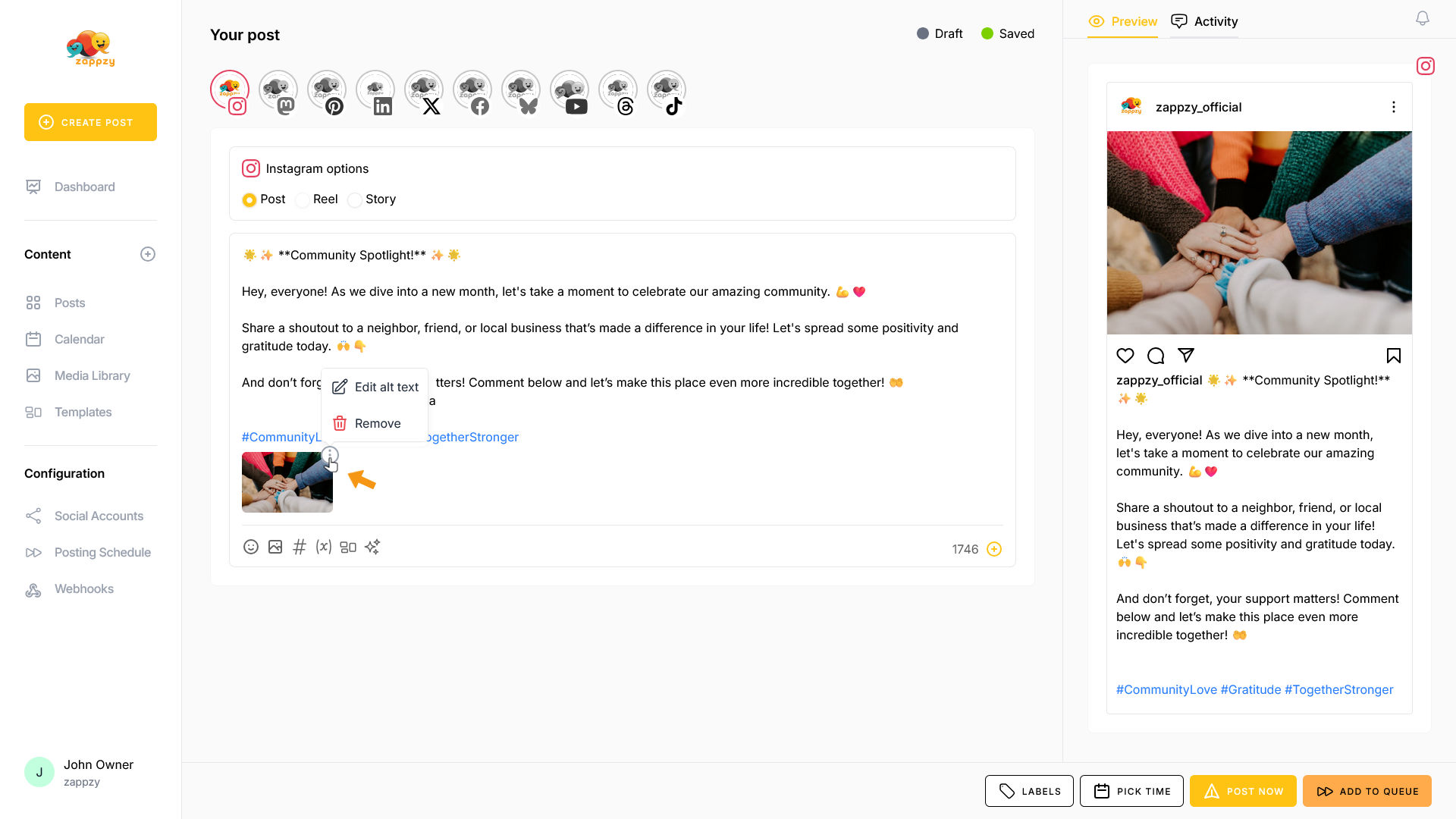
A menu opens with two options: Remove the image (self-explanatory) or Edit alt text—which zappzy includes when publishing to your selected platforms.
Click on Edit alt text.
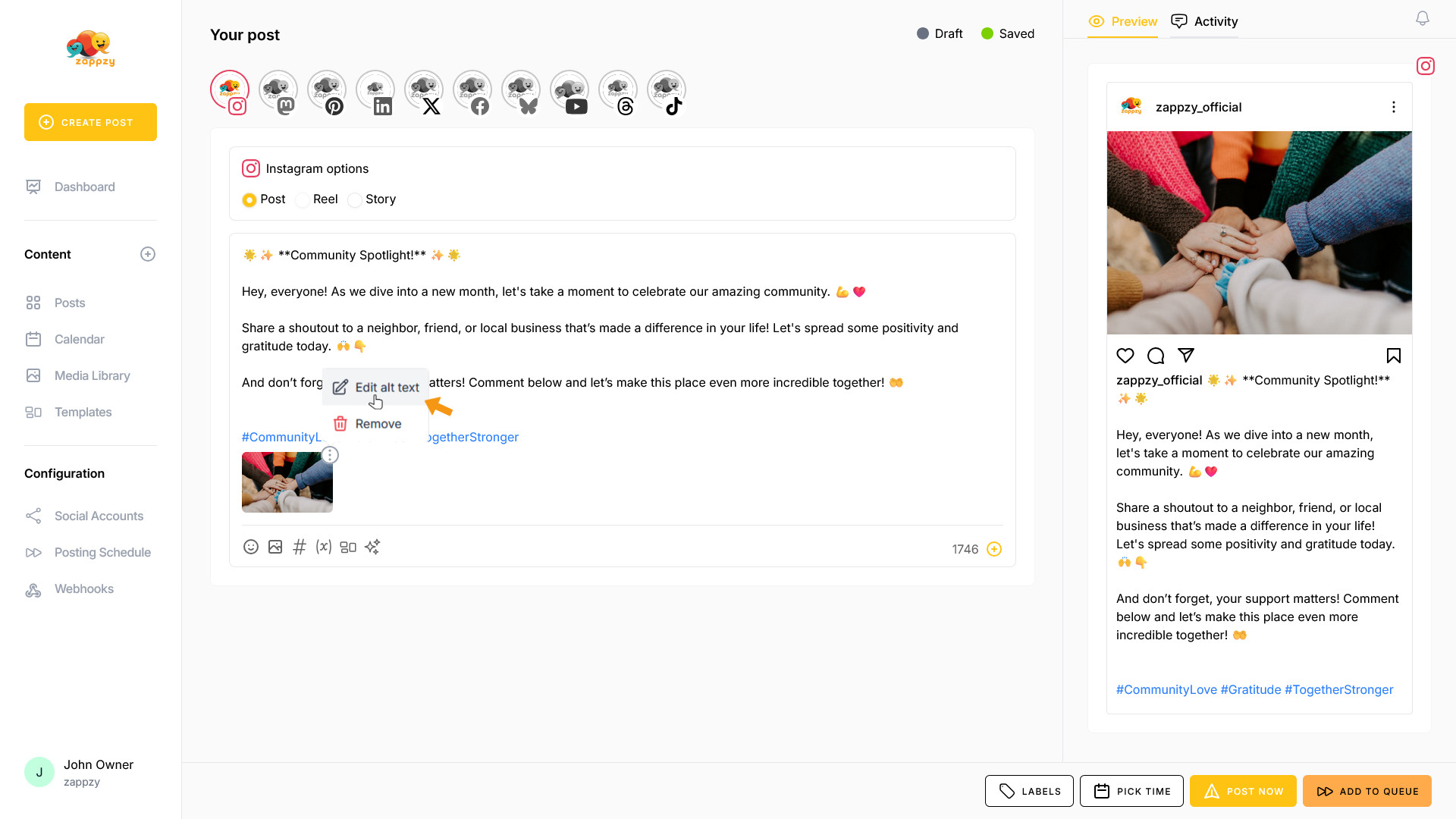
The Edit alt text pop-up opens. Enter your alt text in the field at the bottom and click the SAVE button.
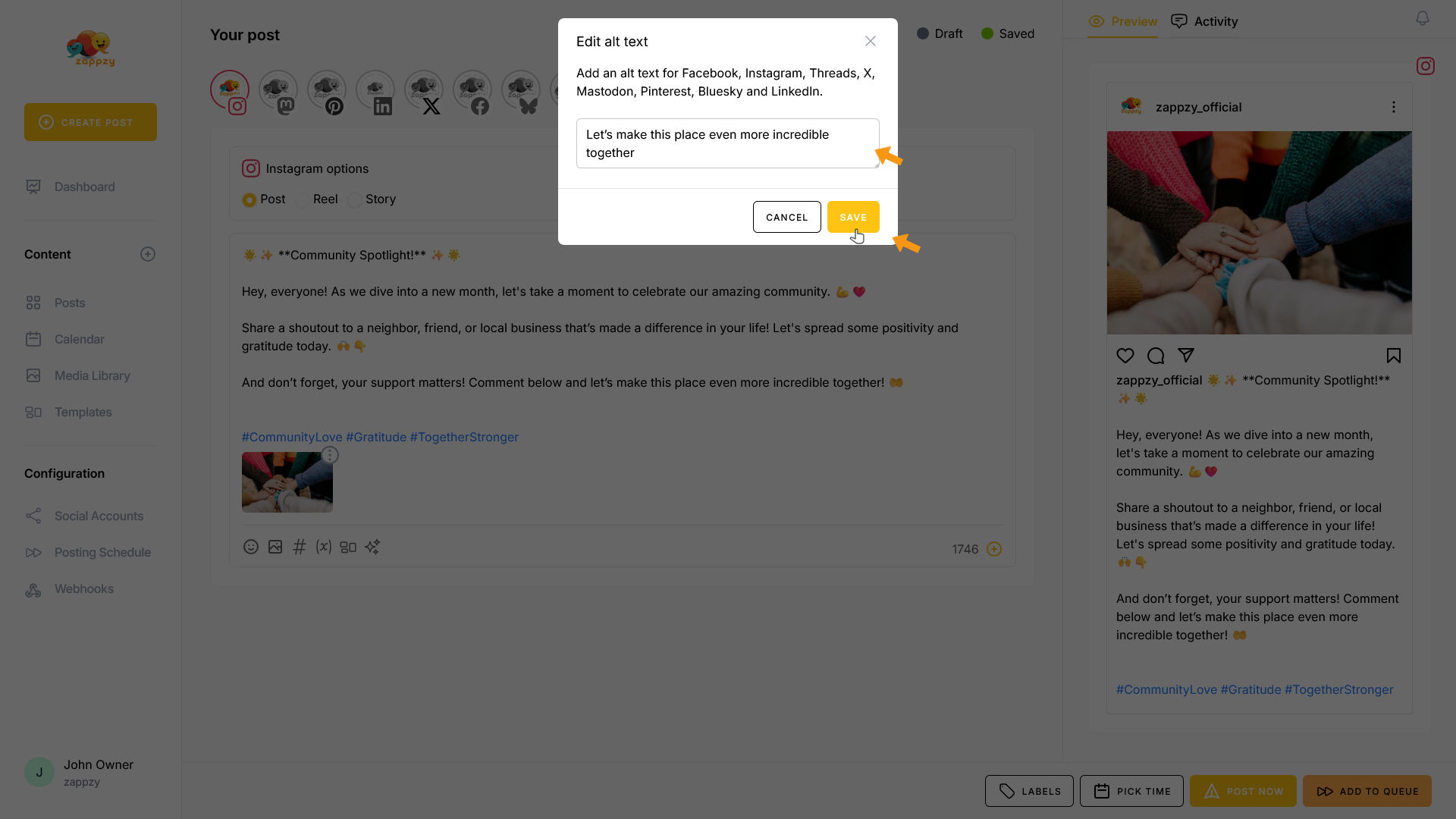
The alt text has been added. You'll see a small ALT icon appear on the image.